 Kerjo Studios
Manager for Plex
Manager for Plex is a companion app for the person who runs a Plex Media Server, on iPhone, iPad and Mac. It manages your server and library. It does not play media. It is not affiliated with Plex, Inc.
Requirements: iOS or iPadOS 17 or later, or macOS 14 or later. You need a Plex account and a Plex Media Server you can reach.
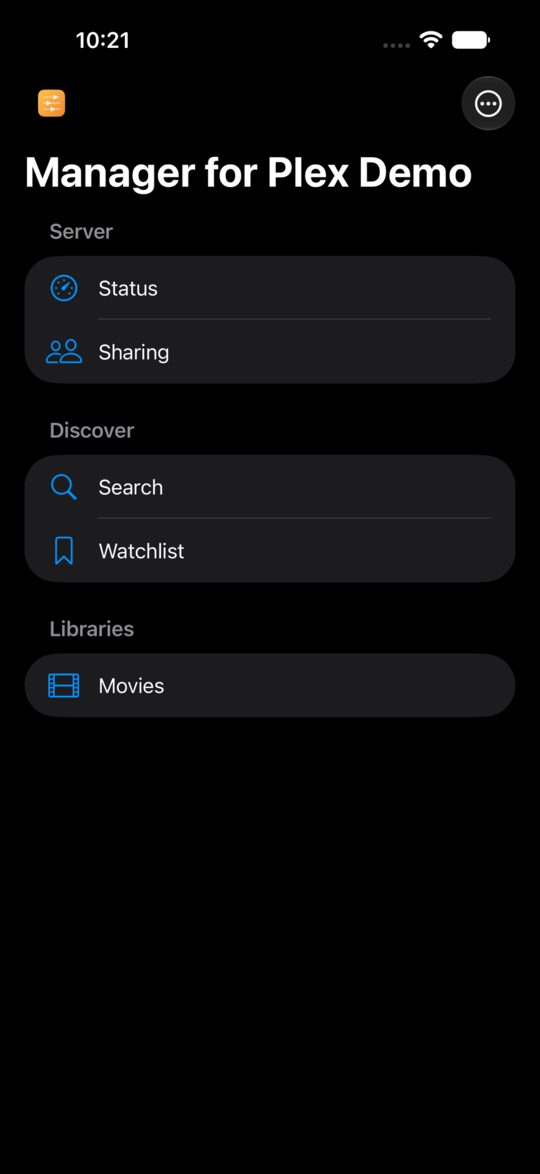
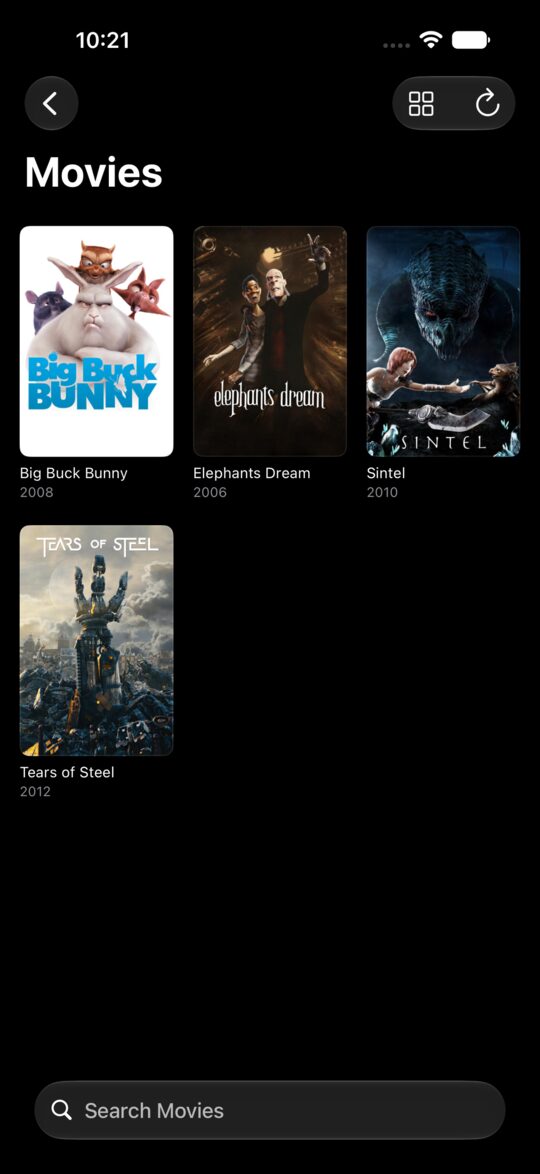
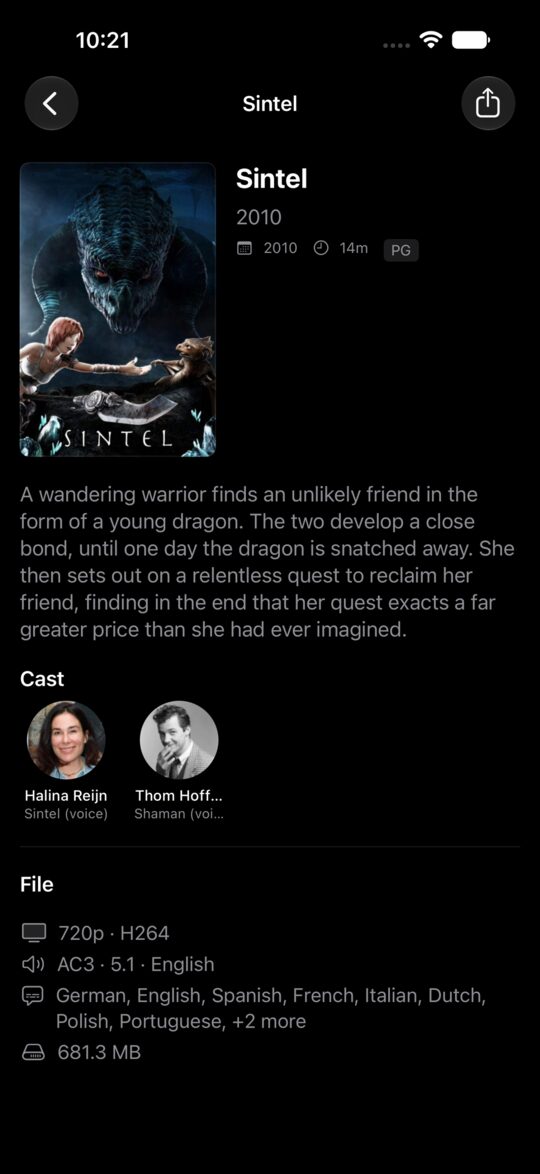
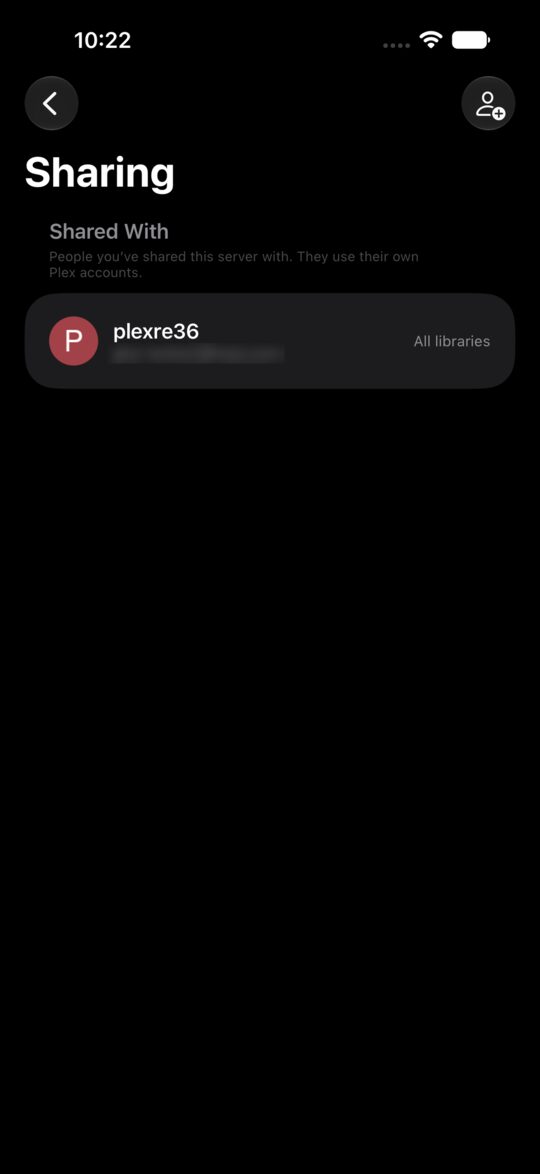
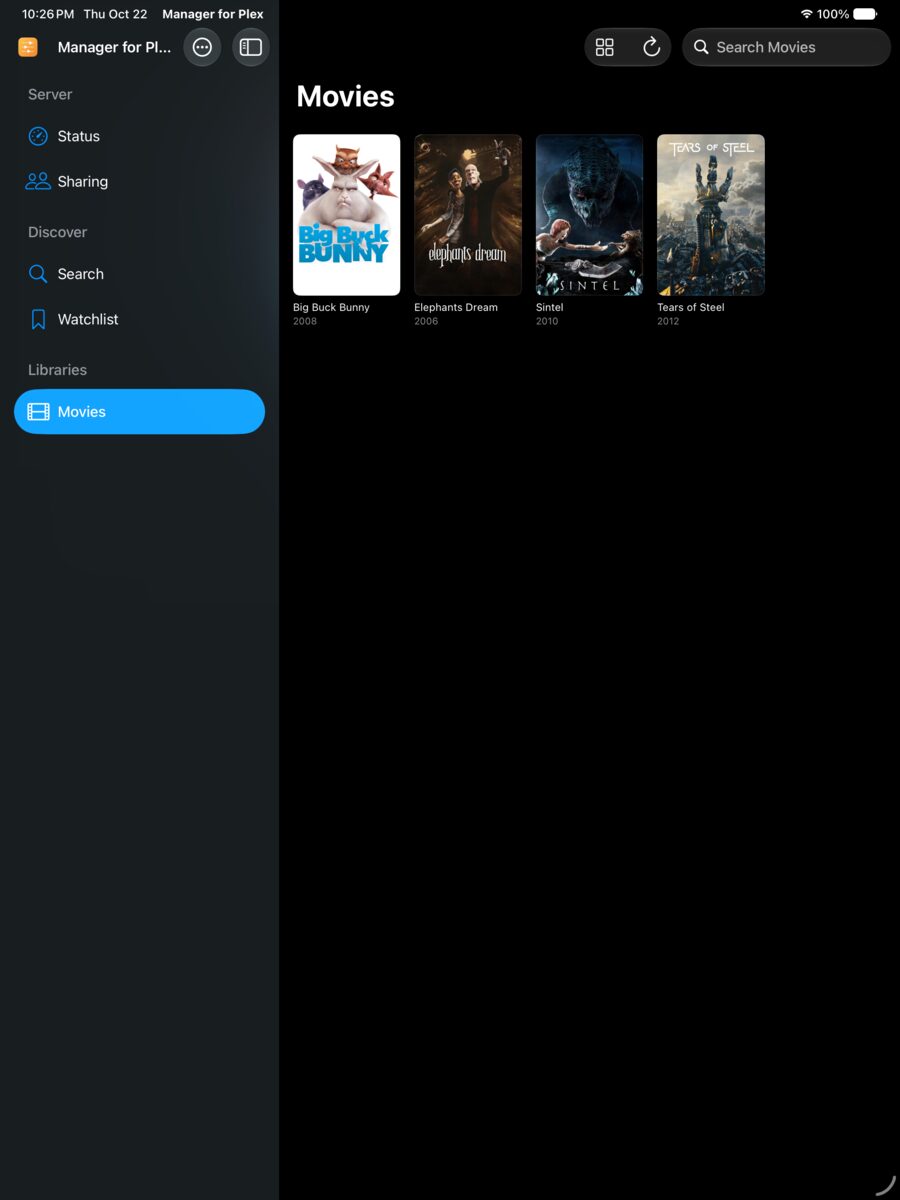
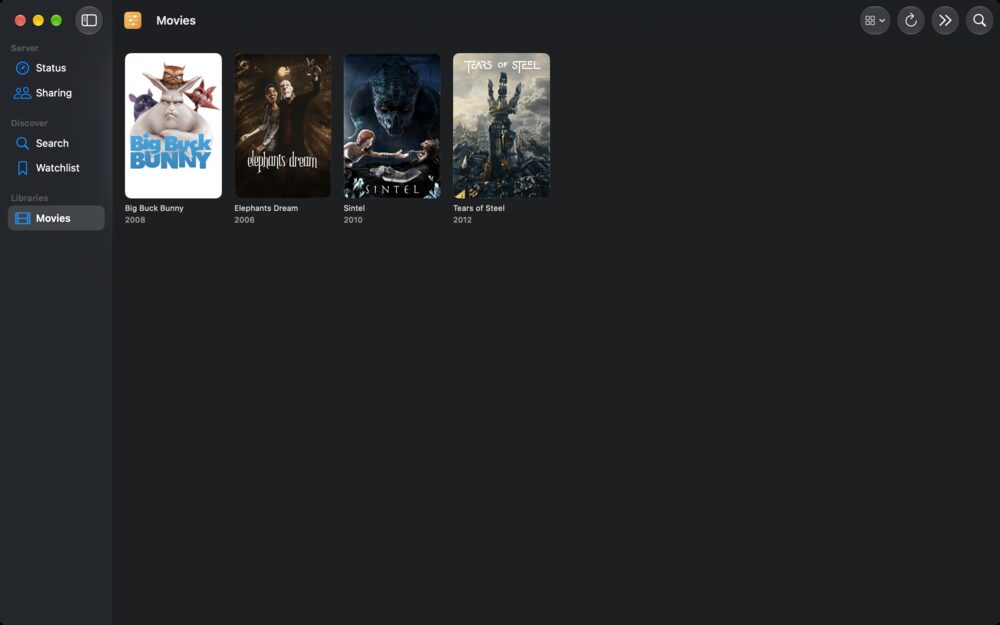
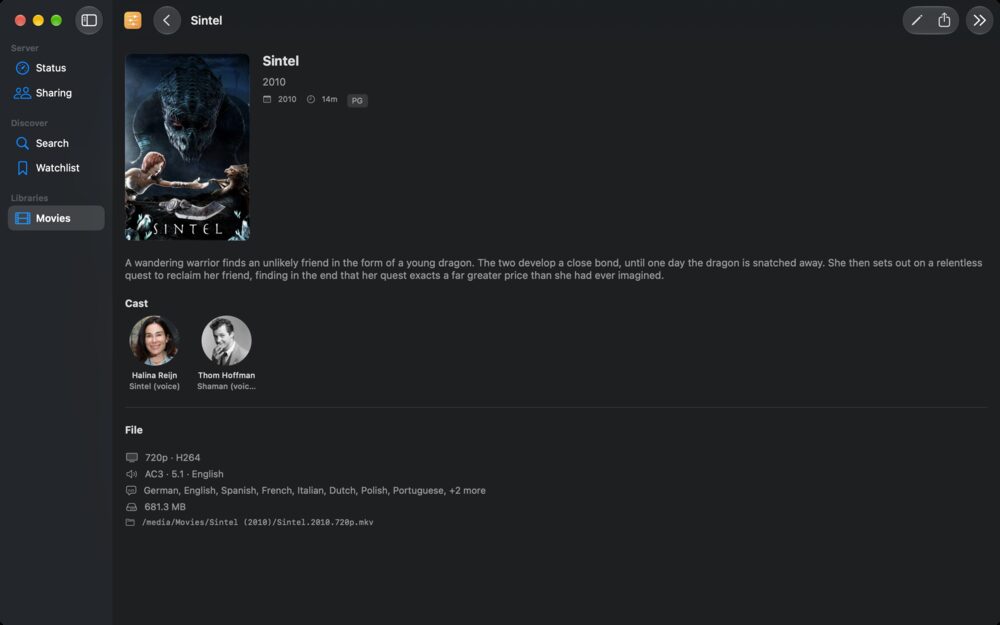
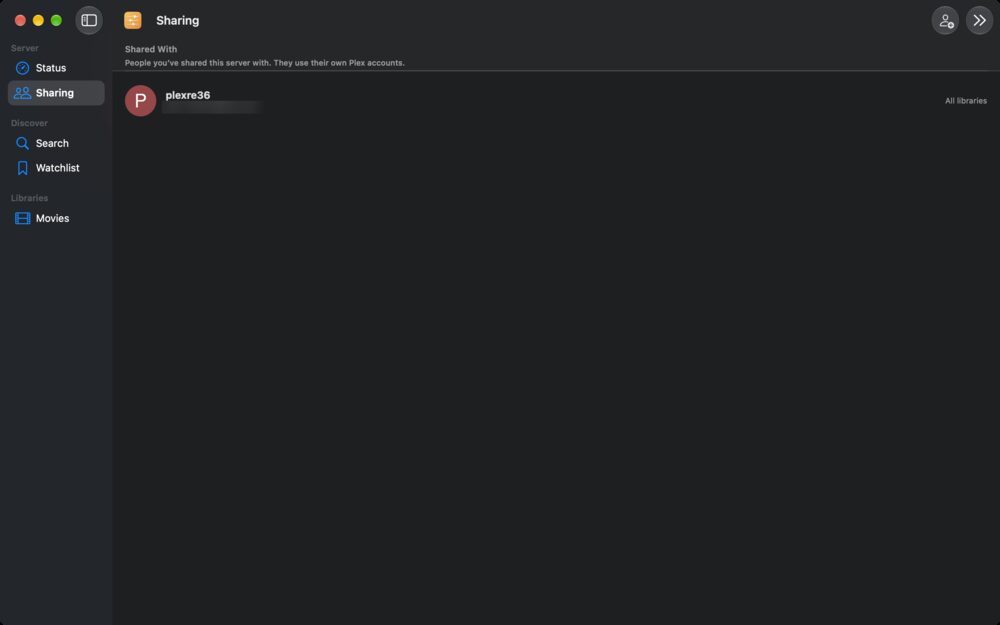
Movies shown are the Blender open movies, © Blender Foundation | www.blender.org, licensed CC BY 3.0.
Signing in
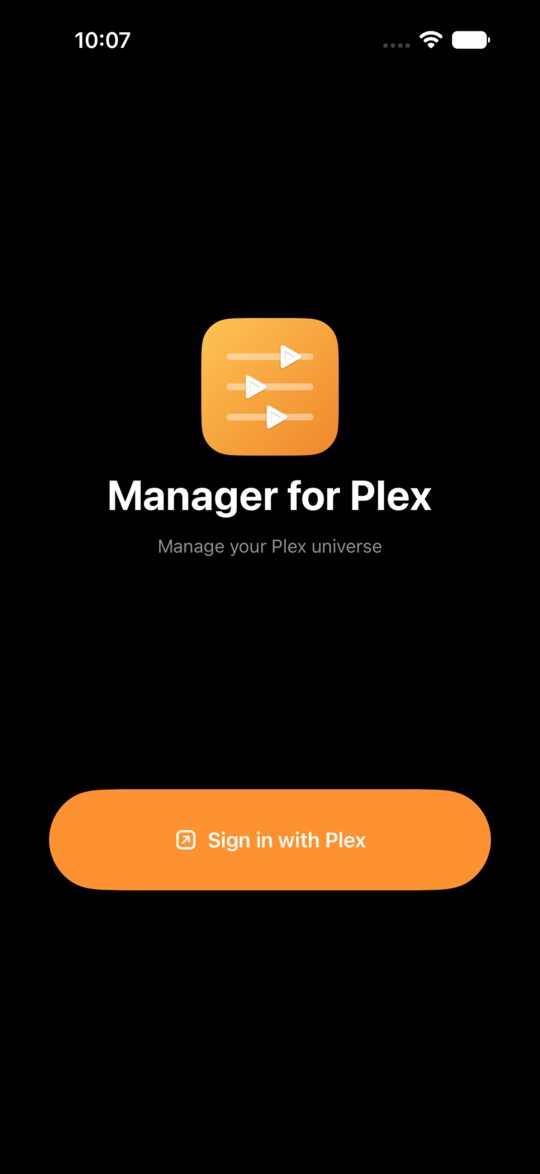
Tap Sign in with Plex. plex.tv opens in your browser: sign in there, approve the app, then return to the app. The app never sees your Plex password. If sign-in doesn't return to the app, make sure the app is installed and try again.
Picking a server
After signing in, choose your server. The app reaches it by the fastest route available: your local network, remote access, or Plex's relay. It asks for the Local Network permission so it can reach servers on your home network.
Browsing libraries
Open any library to see a poster grid with infinite scrolling and in-library search. Open a show to see seasons and episodes, or an artist to see albums and tracks. Item detail shows rich metadata.
Discover and watchlist
Search Plex's global catalog. Titles already in your library are badged. Add a title to your watchlist, or remove it, with one tap.
Sharing
See everyone your server is shared with, split into friends and Plex Home members, and when each was last active. You can edit a person's library access, invite someone by email, or remove their access.
Maintenance
Trigger a scan of one library or all of them. Scanning and sharing are available to server owners only.
Current Streams widget
Add the widget to your Home Screen (iPhone and iPad) or to the desktop or Notification Center (Mac) to see what's playing on your server right now. It needs you to be signed in with a default server selected, so open the app once, then refresh the widget.
I can't find my server
- Allow Local Network access for the app: Settings > Privacy & Security > Local Network on iPhone and iPad, or System Settings > Privacy & Security > Local Network on Mac.
- Make sure your server is online and signed in to the same Plex account.
- If you're away from home, enable Remote Access in your server's settings.
- On the same network, check that your device isn't on a VPN or guest network that blocks local devices.
Why don't I see Sharing or Scan?
These are owner-only features. They appear only when you're signed in as the owner of the server.
Does it play media?
No. Manager for Plex manages your server. Use the Plex app to watch or listen.
Signing out and removing your data
Sign out from the app's settings. This clears your Plex token and saved server details from your device. Deleting the app removes anything left over. We hold no data about you on our side. The app has no ads, analytics, tracking or third-party SDKs, and talks only to Plex's services and your own servers. See our privacy policy.
Need more help?
Email [email protected] and include the app name, version, your device and OS version, and what happened. See also our privacy policy.